User Onboarding
Written By Catalin Fetean
Last updated Over 1 year ago
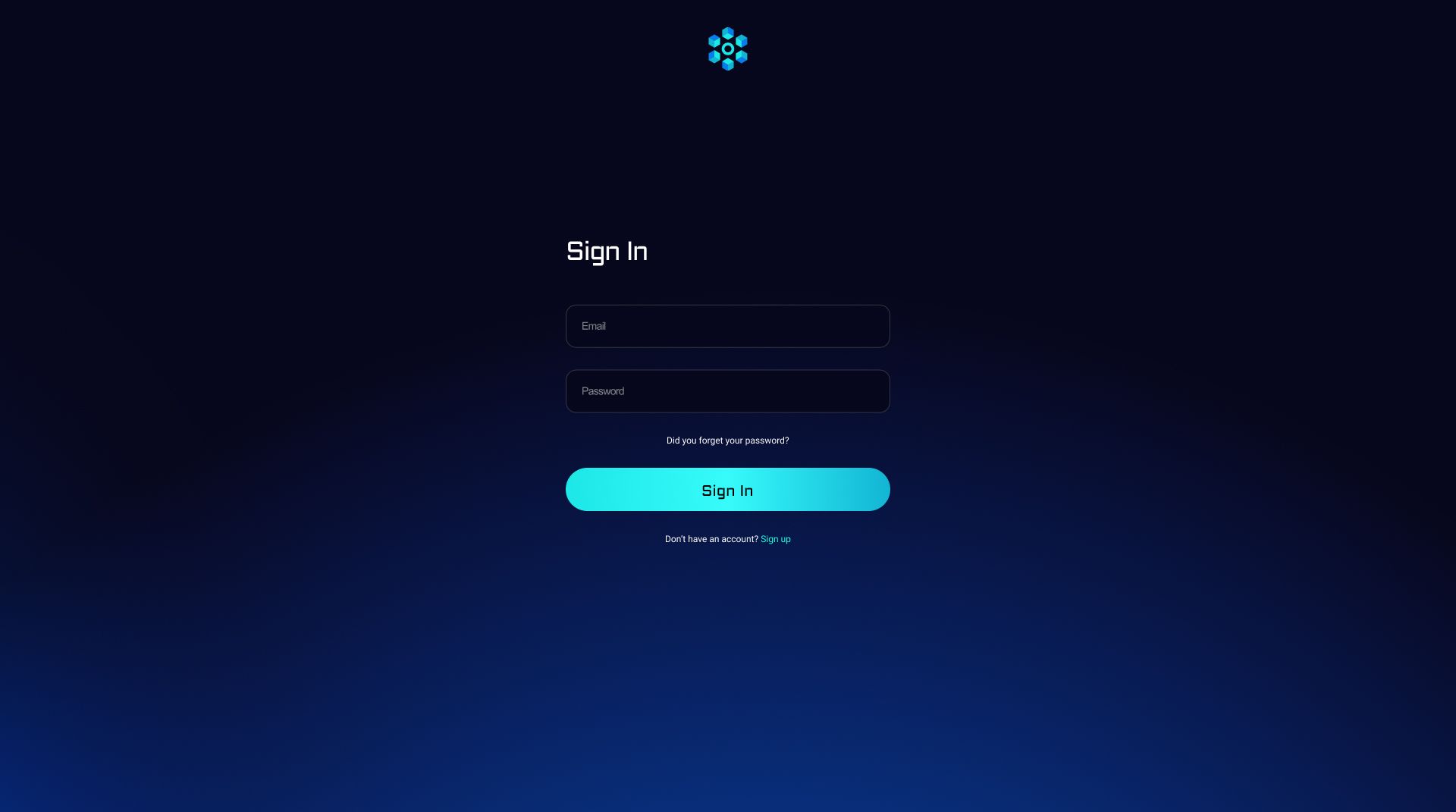
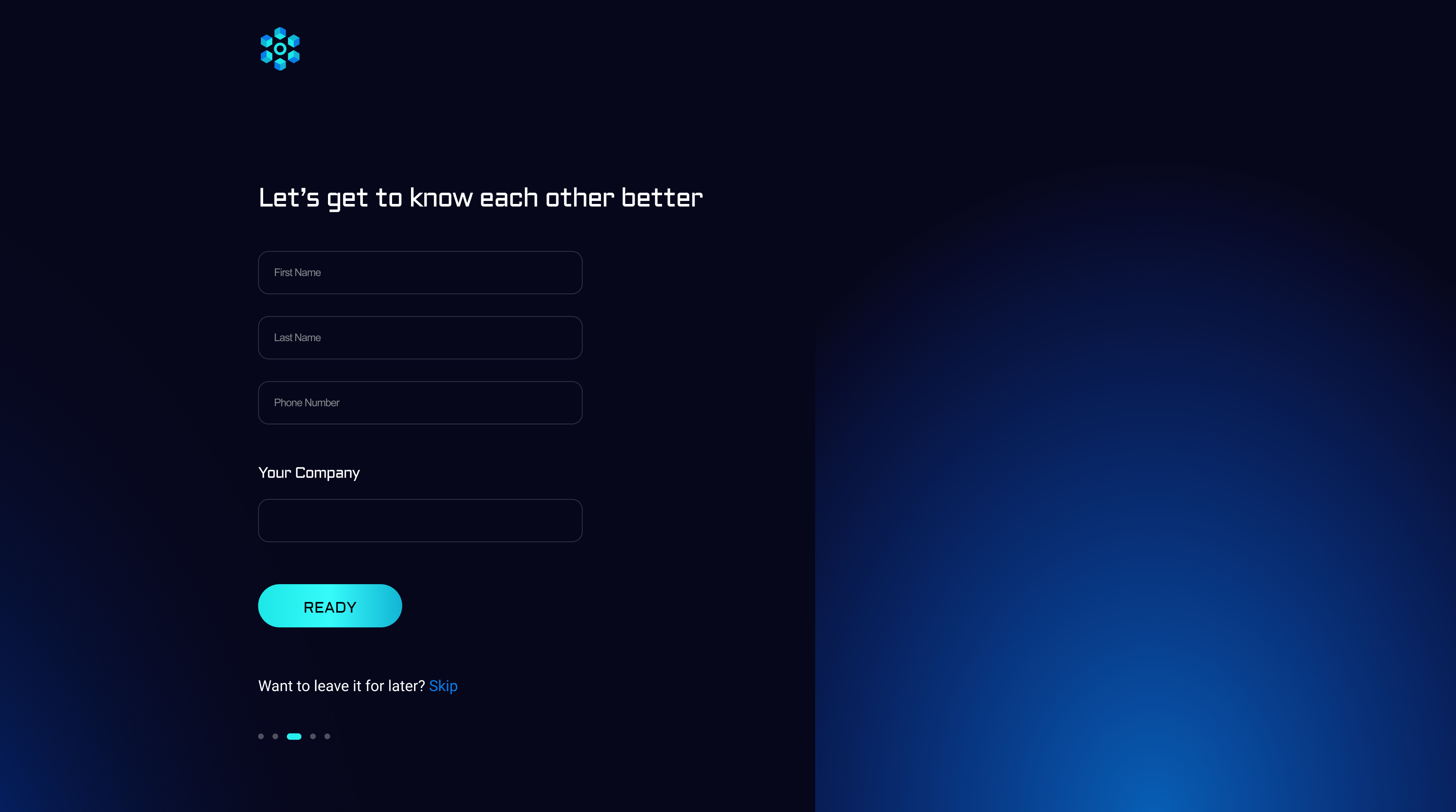
When a company first arrives on the Nexity platform, they need to register an account. The platform must collect basic data (e.g., username, email, password), create a profile, then handle authentication via email/password or other methods (e.g. Single Sign-On).
Key objectives:
Secure user registration.

Secure user authentication and session management
Integration with user roles (e.g., “Buyer,” “Seller,” “Partner Admin,” “Platform Admin”).
Below is an example backend flow using a Node.js + Express approach and PostgreSQL
CREATE TABLE users (
    id SERIAL PRIMARY KEY,
    email VARCHAR(255) UNIQUE NOT NULL,
    password_hash VARCHAR(255) NOT NULL,
    first_name VARCHAR(100),
    last_name VARCHAR(100),
    role VARCHAR(50) DEFAULT 'buyer',
    created_at TIMESTAMP DEFAULT NOW(),
    updated_at TIMESTAMP DEFAULT NOW()
);
Registration Endpoint
Endpoint: POST /api/auth/register
Business Logic:
Receive
email, password, firstName, lastName.Hash the password using a secure algorithm (bcrypt or Argon2).
Insert a new user row in the database with the hashed password.
Possibly send an email verification link.
// src/routes/auth.js

const express = require('express');
const router = express.Router();
const bcrypt = require('bcrypt');
const { pool } = require('../db'); // a pg Pool instance
const jwt = require('jsonwebtoken');

router.post('/register', async (req, res) => {
  const { email, password, firstName, lastName } = req.body;

  try {
    // 1. Check if user with the same email already exists
    const existing = await pool.query(
      'SELECT id FROM users WHERE email = $1',
      [email]
    );
    if (existing.rows.length > 0) {
      return res.status(400).json({ error: 'User already exists' });
    }

    // 2. Hash the password
    const hashedPassword = await bcrypt.hash(password, 10);

    // 3. Insert user into DB
    const insertResult = await pool.query(
      `INSERT INTO users (email, password_hash, first_name, last_name)
       VALUES ($1, $2, $3, $4)
       RETURNING id, email, role`,
      [email, hashedPassword, firstName, lastName]
    );

    // 4. Return success
    return res.status(201).json({
      message: 'Registration successful',
      user: {
        id: insertResult.rows[0].id,
        email: insertResult.rows[0].email,
        role: insertResult.rows[0].role
      }
    });
  } catch (error) {
    console.error(error);
    return res.status(500).json({ error: 'Internal server error' });
  }
});

module.exports = router;
Login Endpoint
Endpoint: POST /api/auth/login
Business Logic:
Check if the user exists by email.
Compare hashed password.
If successful, generate a JWT with the user’s ID/role.
Return the JWT to the frontend, which stores it in memory or HTTP-only cookies.
// src/routes/auth.js

router.post('/login', async (req, res) => {
  const { email, password } = req.body;
  try {
    // 1. Find the user
    const userResult = await pool.query(
      'SELECT id, email, password_hash, role FROM users WHERE email=$1',
      [email]
    );

    if (userResult.rows.length === 0) {
      return res.status(401).json({ error: 'Invalid email or password' });
    }

    const user = userResult.rows[0];
    // 2. Compare password
    const match = await bcrypt.compare(password, user.password_hash);
    if (!match) {
      return res.status(401).json({ error: 'Invalid email or password' });
    }

    // 3. Generate JWT
    const token = jwt.sign(
      {
        userId: user.id,
        role: user.role
      },
      process.env.JWT_SECRET,  // store in .env
      { expiresIn: '1h' }
    );

    // 4. Return the token + user data
    return res.json({
      message: 'Login successful',
      token,
      user: {
        id: user.id,
        email: user.email,
        role: user.role
      }
    });
  } catch (err) {
    console.error(err);
    return res.status(500).json({ error: 'Internal server error' });
  }
});
Protected Routes & Middleware
// src/middleware/auth.js
const jwt = require('jsonwebtoken');

module.exports = function(req, res, next) {
  const header = req.headers.authorization;
  if (!header) {
    return res.status(401).json({ error: 'No token provided' });
  }
  const [scheme, token] = header.split(' ');
  if (scheme !== 'Bearer') {
    return res.status(401).json({ error: 'Malformed token' });
  }

  jwt.verify(token, process.env.JWT_SECRET, (err, decoded) => {
    if (err) {
      return res.status(401).json({ error: 'Token invalid' });
    }
    req.user = decoded; // { userId, role, iat, exp }
    next();
  });
};
Was this helpful?
Still need help? Share an idea