Main Dashboard
Written By Catalin Fetean
Last updated Over 1 year ago
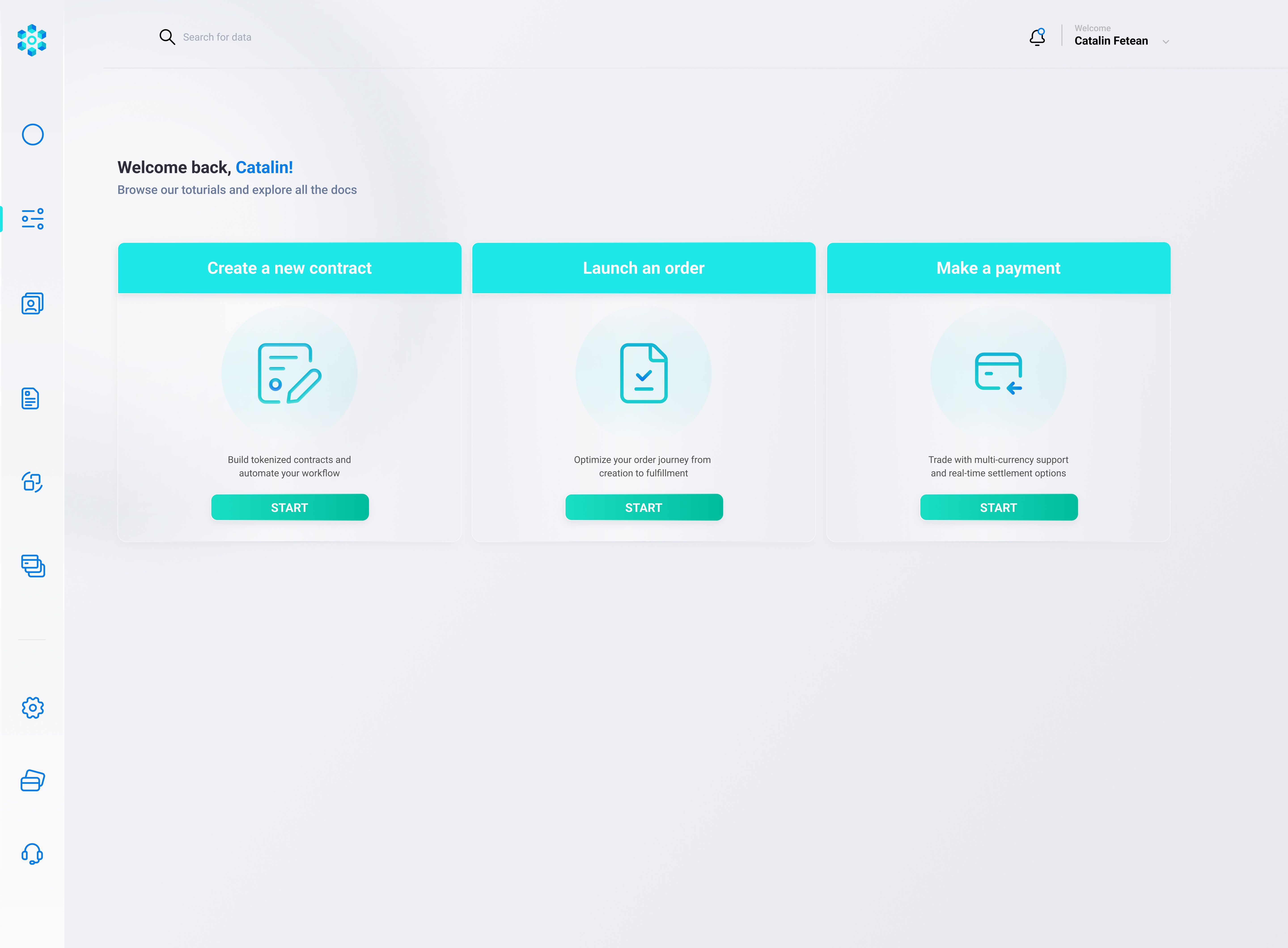
The Main Dashboard is the first thing you see upon login, giving you an at-a-glance view of:
Key Actions (“Create a new contract,” “Launch an order,” “Make a payment”);
Quick Stats: Current KYC/KYB status, number of active contracts, orders in progress, pending payments, or outstanding tasks.
Notifications: Alerts, messages from the platform (e.g. “Your KYC is now approved,” “Payment #123 succeeded,” etc.).
Profile/Settings Shortcut: A quick link to personal or partner settings.
Typical Flow
User logs in → redirected to the main dashboard.
Dashboard fetches summary stats from a single endpoint (or multiple endpoints).
User sees the count of active contracts, pending orders, KYC status, or any new notifications.
User can quickly choose an action:
Create a new contract → leads to the Contract Creation flow
Launch an order → leads to the Order Flow
Make a payment → leads to Payment Flow
You can click the notification icon:
This expands a panel showing new system messages or events.
They can click on a notification to see details (e.g., “Payment #ABC completed,” or “KYC approved—view details”).
Mark notifications as read.
Was this helpful?
Still need help? Share an idea